10 business tasks you can hand over to AI this month
Enquiries, follow-ups, invoices, payment reminders, reports and more: the repetitive work small businesses are automating with AI right now, and how to pick your first task.
Most small business owners don't need "AI" as a buzzword. They need their evenings back.
If you spend hours every week answering the same questions, copying data between apps, chasing payments and building the same report again, you are doing work a computer can now do for you. Not in five years. Today, with tools that already exist.
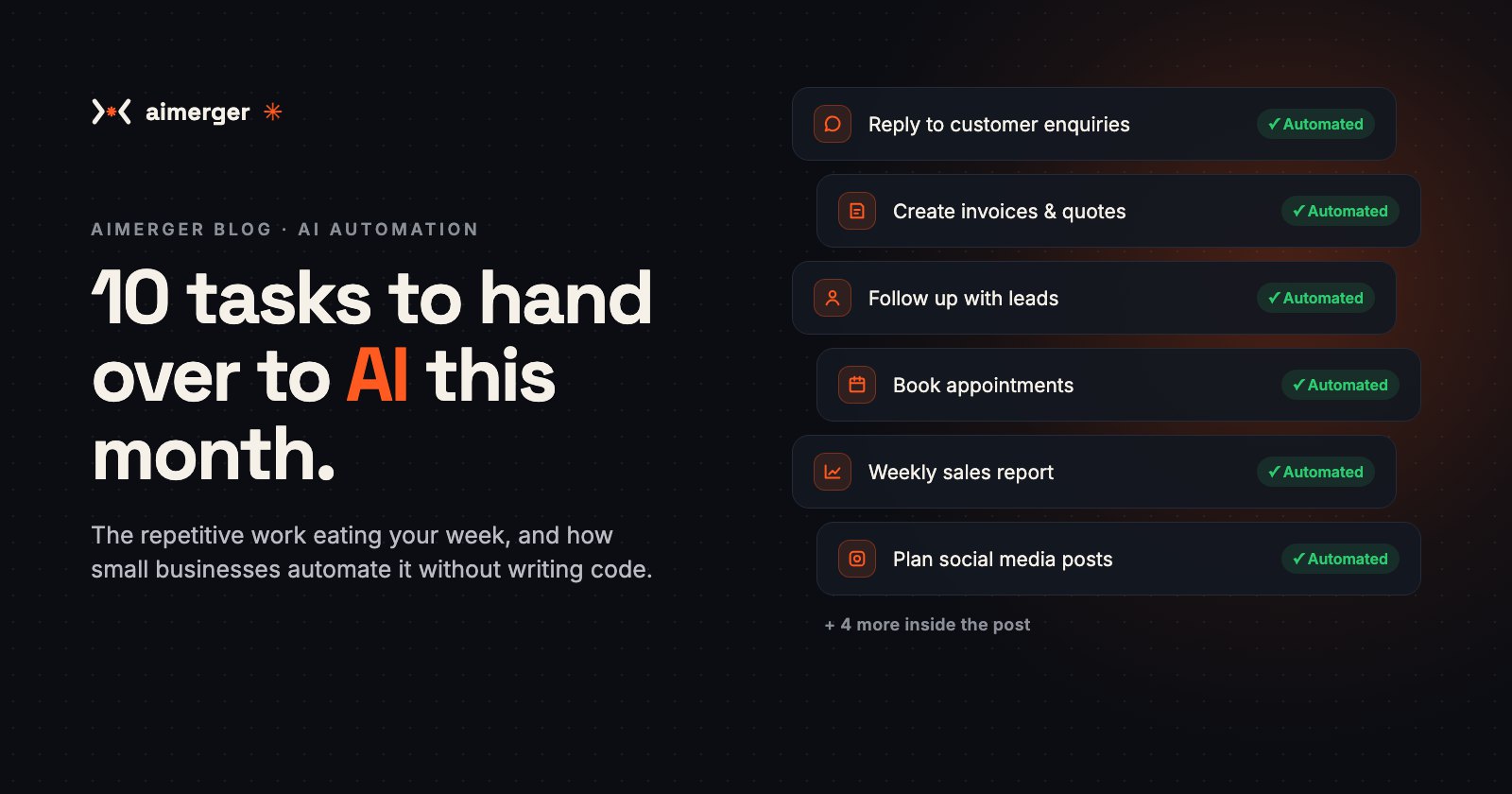
Here are 10 everyday tasks that small businesses in India are handing over to AI right now, what each one looks like in practice, and how to pick your first one.
1. Replying to customer enquiries
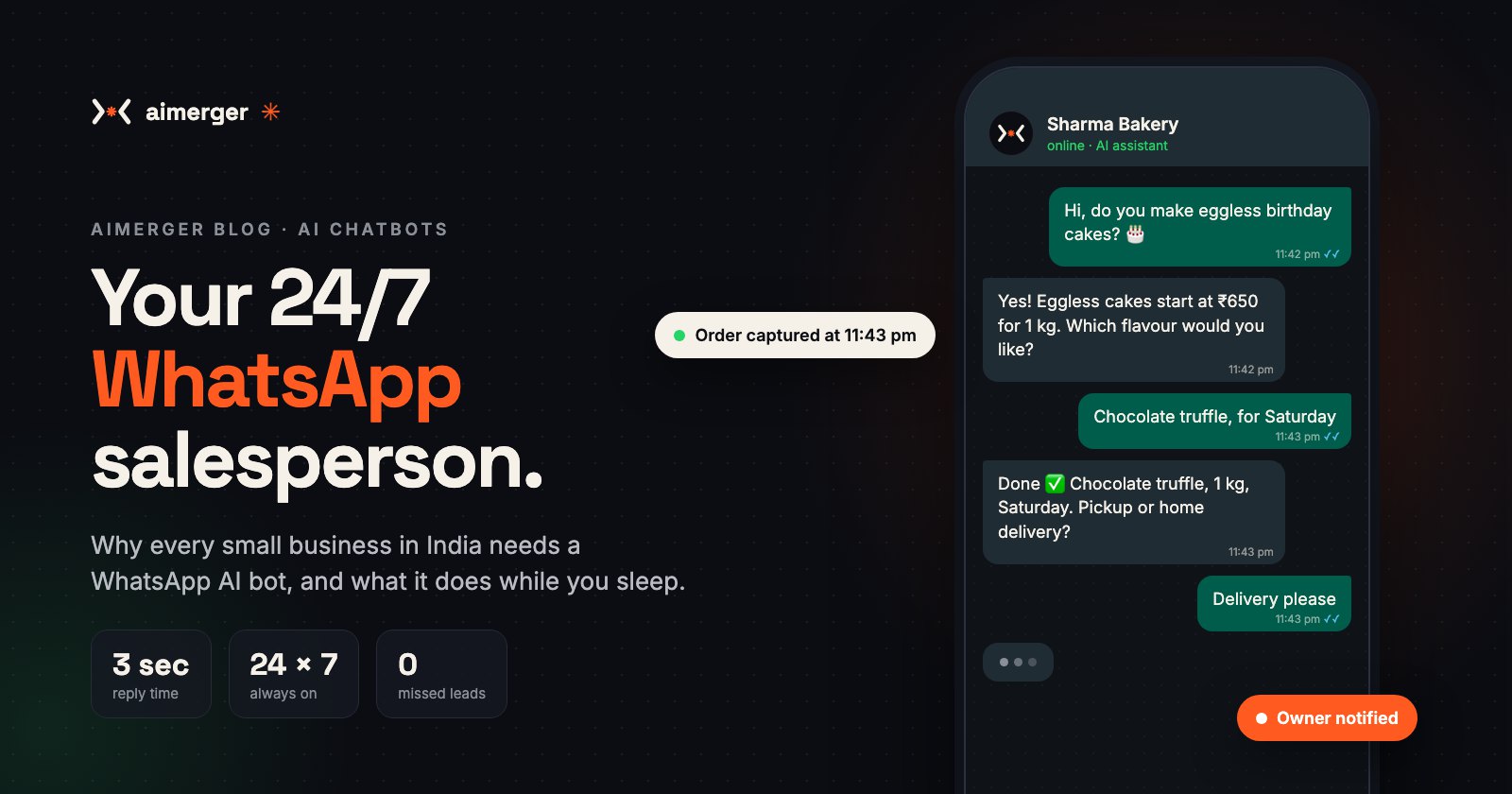
"Price kya hai?" "Delivery hoti hai?" "Kal open ho?" Most enquiries are the same ten questions. An AI assistant on WhatsApp or your website answers them instantly, day and night, in English, Hindi or Hinglish, using your real prices and policies.
What you get: no more missed leads at 11 pm, and you only step in for serious buyers. We wrote a full guide on this: Why every small business needs a WhatsApp AI bot.
2. Following up with leads
Many sales are lost simply because nobody followed up. AI can send a polite follow-up message two days after an enquiry, another after a week, and stop as soon as the customer replies.
What you get: every lead gets followed up on time, even in your busiest weeks.
3. Booking appointments and sending reminders
Clinics, salons, coaching classes and consultants spend hours going back and forth on timings. An AI assistant can show free slots, book the appointment, add it to your calendar and send a reminder the day before.
What you get: fewer no-shows and no more "Is 4 pm free?" chats.
4. Creating quotes and invoices
Tell the system what was sold, and it fills your quote or invoice template with the customer's details, items, GST and totals, then sends it as a PDF on email or WhatsApp.
What you get: quotes go out in minutes instead of the next day, so customers don't shop around while they wait.
5. Chasing pending payments
Nobody likes asking for money. Automated, polite reminders go out before and after the due date, with the payment link included, and stop the moment the payment arrives.
What you get: faster cash flow without awkward calls.
6. Data entry from bills, forms and PDFs
Typing supplier bills, order forms or KYC documents into a sheet or software is slow and full of typos. AI can read photos and PDFs, pull out the important fields (names, amounts, dates, GST numbers) and put them straight into your Google Sheet, Tally export or CRM.
What you get: hours of typing gone, and fewer mistakes.
7. Weekly sales and business reports
Every Monday, someone pulls numbers from three places and builds the same report. Automation can collect the data, build the summary and send it to your WhatsApp or email: sales, top products, pending payments, new leads.
What you get: a clear picture of the business every week without lifting a finger.
8. Planning social media content
AI can draft a month of post ideas, captions and hashtags from your products and offers, in your brand's tone. You review, tweak and approve. It can also turn one long video into several short clips and captions.
What you get: a consistent posting schedule without staring at a blank screen.
9. Collecting and replying to reviews
After every completed order or appointment, an automated message can ask happy customers for a Google review. AI can also draft polite, personal replies to new reviews for you to approve.
What you get: more reviews, better local search ranking and a business that looks active and cared for.
10. Answering your own team's questions
"What's our return policy?" "Which vendor do we use for packaging?" An internal AI assistant trained on your documents, price lists and SOPs answers staff questions instantly, so new hires don't need to ask you everything.
What you get: fewer interruptions and faster onboarding for new team members.
How to pick your first task
Don't try to automate everything at once. Start with one task and get it working well. The best first task says yes to all three questions below:
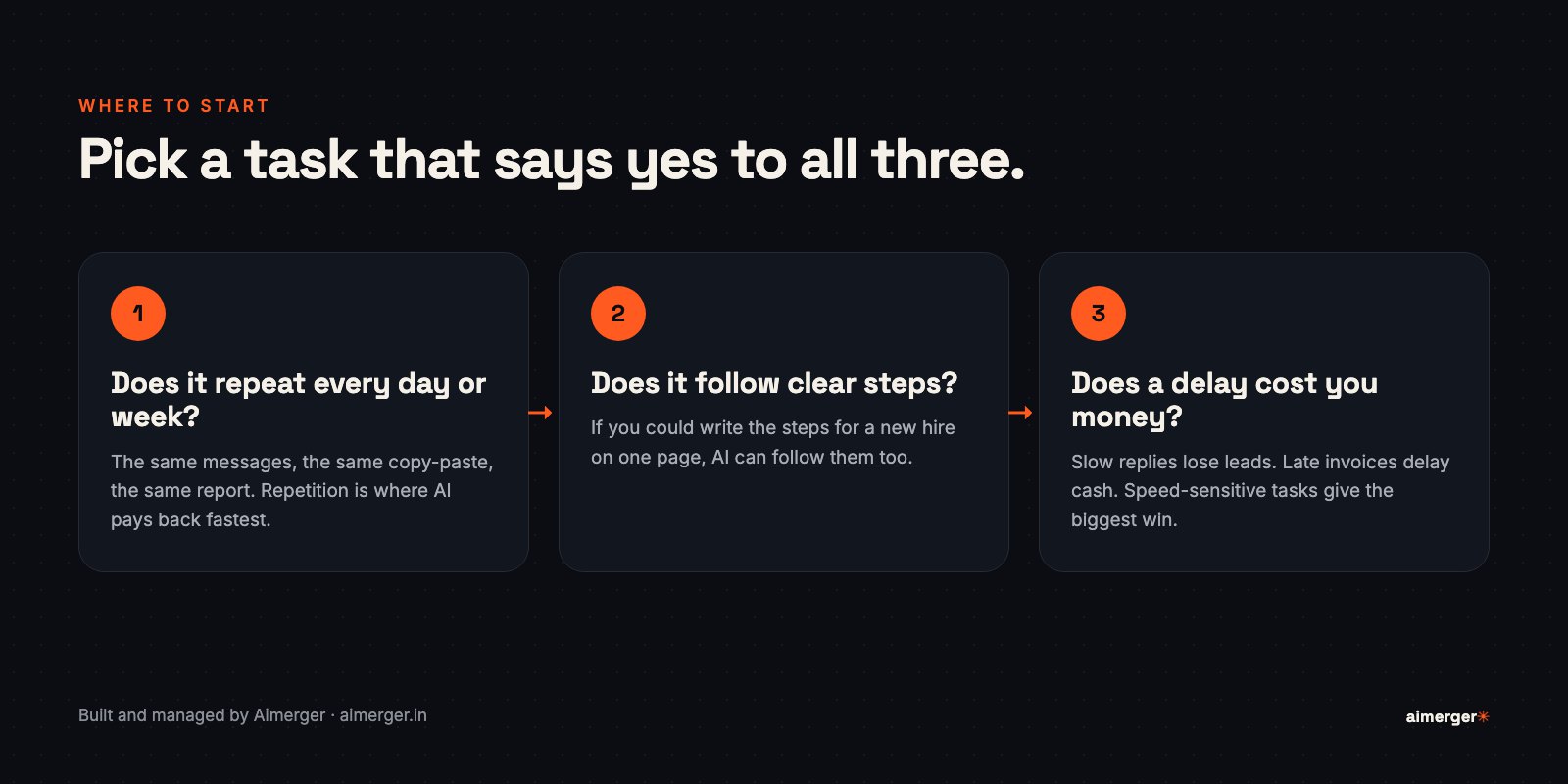
- Does it repeat every day or week? Repetition is where automation pays back fastest.
- Does it follow clear steps? If you could explain it to a new hire on one page, AI can follow it too.
- Does a delay cost you money? Slow replies lose leads and late invoices delay cash, so speed-sensitive tasks give the biggest win.
For most businesses, the answer is customer enquiries or lead follow-ups. They touch revenue directly and show results within weeks.
What you should not automate
AI is excellent at repetitive, rule-based work. Keep people in charge of:
- Big decisions: pricing strategy, hiring, large refunds.
- Sensitive conversations: complaints from upset customers, anything legal or medical.
- Relationships with key clients: automation can prepare you for the call, but the call is yours.
A good setup always hands these over to you, with the full context, instead of guessing.
Do I need to know coding?
No. Most of these automations connect tools you already use, like WhatsApp, Gmail, Google Sheets, your calendar and your billing software. Someone has to set them up properly and keep them running. That's the part we do at Aimerger: we map your workflow, build the automation, test it with you and keep improving it.
The bottom line
You don't need a big budget or a tech team to start using AI. Pick one repetitive task that costs you time or money, automate it properly, and use the hours you get back to grow the business.
Not sure where to start? Message us on WhatsApp or send us a message with the task that eats most of your week. We'll tell you honestly whether it's worth automating, and how.